Product photos for listings
Download the white-background JPG for marketplaces and product listings. It is made from the same cutout, without using another credit.
Upload a product photo →Upload a JPG, PNG or WebP image and get a transparent PNG in seconds—or a pure white background for product listings. Hair, fur and fine edges included.
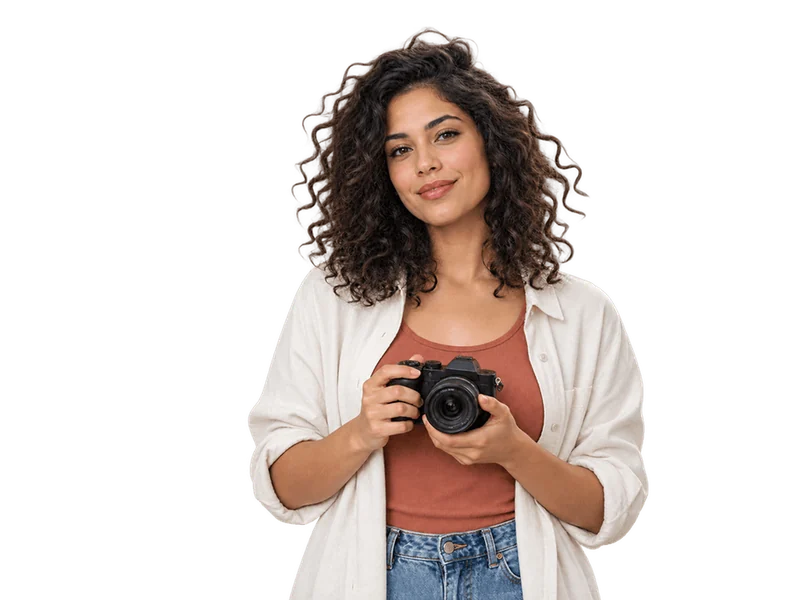

The original shown is a composite: the cutout placed on a photo by Dave Salter from Burst.
Transparent PNG
Photos of people, products and pets. Videos work here too.
Free to try with a Google account. New accounts get 5 credits.
Output
A free ProRes 4444 copy can be exported after processing (clips up to 15 seconds). HEVC alpha, green-screen MP4 and original audio are not available.
Checking processing availability…

AI matting
Following edges across frames
Preview colors are not baked into your transparent file.
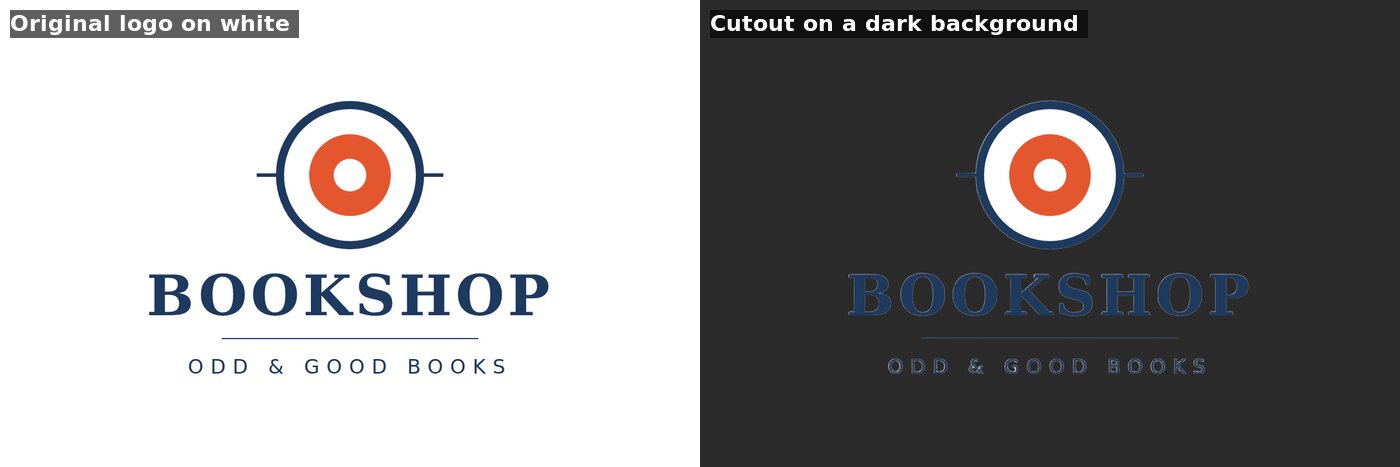
The white around the logo is gone. White inside a logo can stay white, so check the cutout over a dark background before you use it. What came out clean and what stayed white →

The paper is gone, so whatever sits behind the file shows through. The logo and the signature were made for this site. Make a background transparent →
One upload gives you both a transparent PNG and a white-background JPG, so the same cutout works for a design and for a listing.
Download the white-background JPG for marketplaces and product listings. It is made from the same cutout, without using another credit.
Upload a product photo →Lift a logo or a signature off white paper. White inside the mark can stay white, and faint printed lines can stay faint, so check both.
Remove a white background →Hair and soft edges are kept as partial transparency, so the cutout blends into any new background. Glass, smoke and very fine detail are the hardest cases.
Upload a portrait →Keep the result as PNG or WebP to layer it in design tools, slides and web pages. Saving it as JPG fills the background in again.
Keep the transparency →Only some formats can store an alpha channel. Upload whichever you have; download the one that fits where the image is going.
Which formats keep transparency →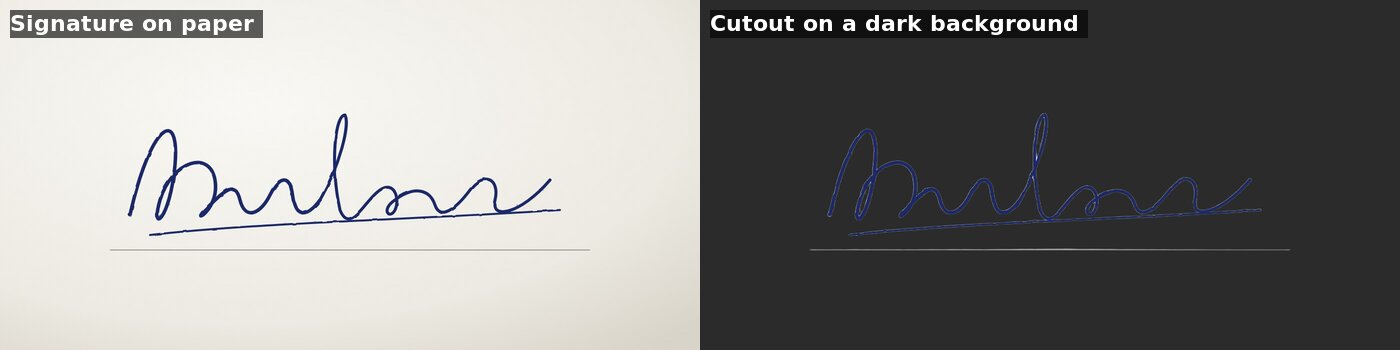
A PNG that stores an alpha channel: every pixel carries its own opacity, so the background is genuinely empty and soft edges such as hair blend into whatever you place behind them. JPG cannot store transparency. More on making a background transparent and keeping it that way.
One credit per image. New accounts get 5 free credits after signing in with Google, and packs start at $6.99 for 60 credits. A failed job returns its credit automatically.
Yes. Every result can also be downloaded as a white-background JPG for marketplaces and product listings, made from the same cutout without using another credit.
People, products, pets and objects with a clear subject. PNG, JPEG or WebP up to 15 MB and 8000 pixels per side. Glass, smoke and very fine detail are the hardest cases—check the result before you use it. Logos and signatures on white have their own checks: see removing a white background.
No—an animated WebP is a video in an image's clothes, and it is refused right at the file picker. Export it as an MP4 video (or PNG frames) and use the video background remover instead; a still WebP works fine here.
Yes. remove.bg's standalone site closes on 1 December 2026 at 9:00 CET. This tool removes image backgrounds to a transparent PNG or a white-background JPG for 1 credit per image, with 5 free credits after Google sign-in, and handles video too. The remove.bg alternatives guide compares the options.
The upload is deleted about 24 hours after it arrives, and the result stays downloadable from My videos for 7 days. Only your account can reach either.
Yes—the same credits work for video, at one credit per second. Remove a video background →
Not in one batch: images are processed one file at a time, at 1 credit each. Every result stays downloadable from My videos for 7 days.
Yes. Upload it and download a transparent PNG; the white around the subject goes. White inside a logo can stay white and faint printed lines can stay faint, so check the result over a dark background. Removing a white background shows a real logo and signature.
Drop it onto the free transparency checker and switch the background colour. If the colour shows through, the file is transparent; it runs in your browser and uploads nothing.
No brushes, no green screen. The model separates the subject; you choose transparent or white.
Use PNG, JPEG or WebP up to 15 MB. The file type and size are checked from the image itself before any credit is used.
A private processing job isolates the subject, including hair and soft edges. Most images finish in seconds.
Download a PNG with a real alpha channel, or a white-background JPG for marketplaces—without running the job again.
 Use case · 5 min
What came out clean, what stayed white, and how to fix it.
Read the guide → Use case · 4 min
What transparency is, which formats keep it, and where it gets lost.
Read the guide →The December 1, 2026 closure, what the Canva move means, and free alternatives compared.
Read the guide →